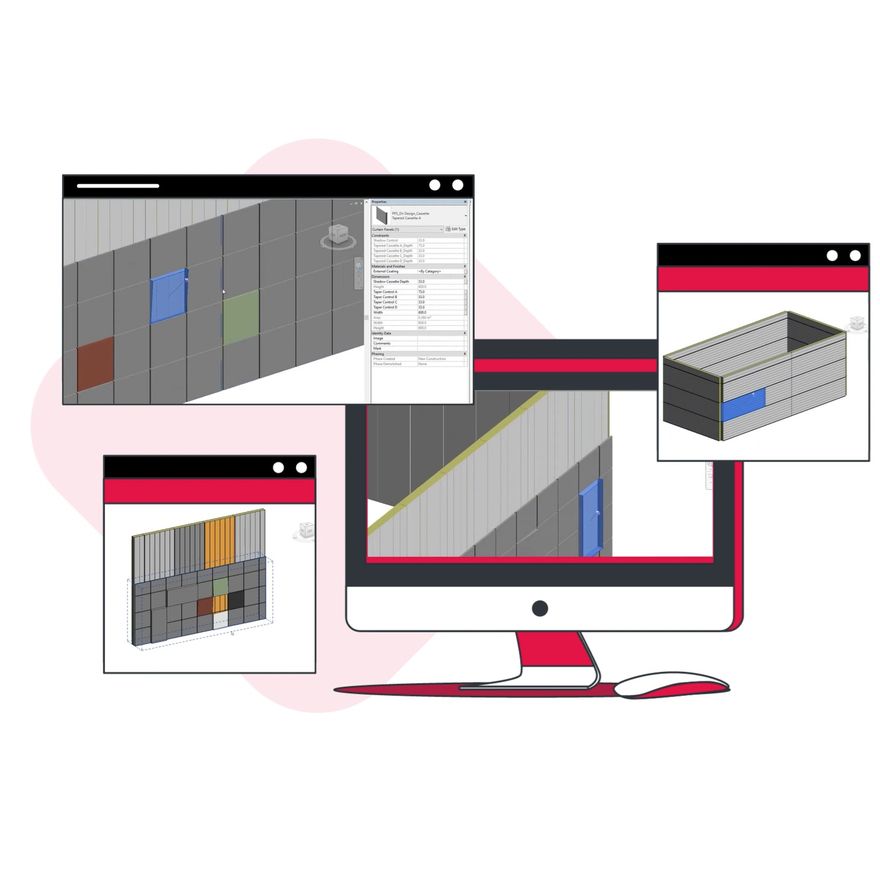
How to access individual BIM bundle through Autodesk BIM360™ ?
Autodesk BIM360™ offers a cloud-based platform for project teams to access the most recent 3D models and collaborate in real-time. To gain access, all you need to do is to fill out the inquiry form and have/create an Autodesk account. After submitting the form, we will set up access to our Revit files with your existing Autodesk account. All content will be delivered through Autodesk BIM360™ and can be accessed by logging in or registering at www.autodesk.com
You should receive an email from Autodesk inviting you to access BIM360. Please check your spam folder if you have not received it. Once you have been given access to the Paroc Panel System’s project on BIM360, you can select this project and access the content through the Document Management tab. Here, we present our complete offering of Revit content in easily accessible PDF files to quickly browse and choose the content you would like to work with in your project. Please note that access to BIM360™ is browser based and Google Chrome is recommended for the best experience.
We need all the information in the inquiry form to provide you with the best possible service and to inform you of any changes and updates in the future. In case of any query, you can reach us at [email protected]